
Workstation power
from the office
to the job site.
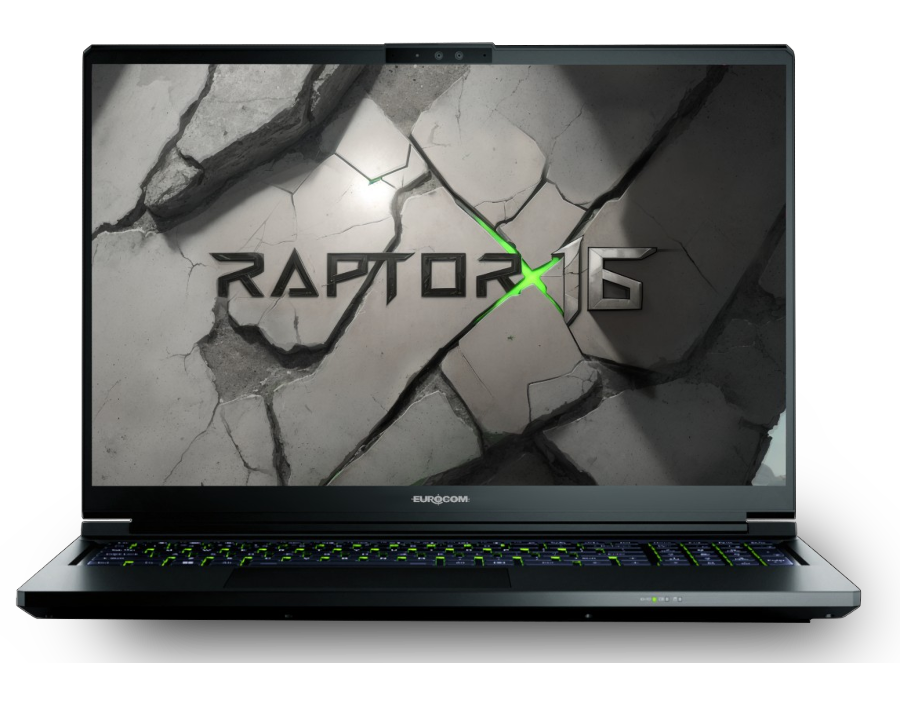
Desktop-class CPUs, NVIDIA RTX graphics, and workstation-grade memory in a mobile chassis you can carry into the field. Fully configurable, user upgradeable — built for engineers who can’t wait on a render farm.
Built for Serious Modeling
Viewport Fluidity
NVIDIA RTX graphics keep large assemblies, dense point clouds, and full BIM models smooth — no decimating, no waiting.
Memory for Big Assemblies
Up to 128 GB of DDR5-5600 keeps multi-part assemblies, point clouds, and simulation data in memory — not in swap.
An Upgradeable Investment
Add memory, storage, and next-generation components as projects grow. One chassis, years of service.
Engineering Use Cases
Intel Core Ultra 9 275HX with 24 cores, NVIDIA RTX 5070 Ti graphics with 12 GB of GDDR7, up to 128 GB of DDR5-5600, and three NVMe slots with RAID 0/1/5 — behind a 16″ QHD+ 240 Hz display with 100% DCI-P3 coverage, in an aluminum-magnesium chassis built for the road.
Ultra 9
RTX 5070 Ti
128 GB
Slots
Certified Where It Counts
Engineering workloads punish hardware. Every Eurocom workstation is configured, burn-in tested, and documented for sustained full-load operation.
Professional Graphics Options
RTX GPUs with driver flexibility for stable, accurate viewports across SolidWorks, CATIA, Revit, and ANSYS workflows.
Workstation-Grade Subsystems
Multi-drive NVMe RAID, high-capacity memory, and sustained-load thermal design — not gaming-laptop burst performance.
Platform Control
BIOS-level configuration, standardized builds across seats, and parts availability measured in years, not quarters.
Spec’d to Your Software Stack
Tell us what you run — we build to the workload, not the spec sheet.
Application-Matched Configs
We spec CPU, GPU, and memory to your actual toolchain — SolidWorks, Revit, ANSYS, Lumion — so you pay for performance where your software uses it.
Fleet Standardization
Identical, configuration-locked builds across every seat in the firm, with custom imaging so IT deploys once and clones everywhere.
Upgrade Instead of Replace
User-upgradeable memory, storage, and components with published upgrade paths — extend each workstation’s service life as projects demand more.
Quotes Built for Approval
Clear, line-itemed quotes with configuration documentation that survives procurement review and IT sign-off.
Ready to Upgrade Your Toolchain?
Talk to our engineering specialists about configuring workstations around your software, your projects, and your team.