| EUROCOM Nightsky TXi317 |
             |
| Configure | Specs | Upgrade | Components | Images | Brochure | Benchmarks | Manual | Drivers | FAQs |
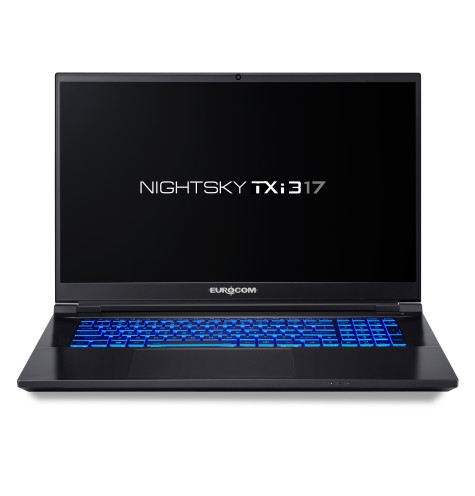 |
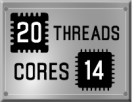
17.3-in FHD @ 144Hz; QHD @ 165Hz or UHD @ 60Hz Adobe 100% "Nigthsky TXi317: Your dream of a thin & light 17" superlaptop has come true" As an exceptionally superlaptop, slim and refined gaming laptop, the EUROCOM Nightsky TXi317 is an impressive on-the-go super-performance platform for creative professionals, engineers and gamers alike. A perfect balance of high-end components of the latest generation, a wide selection of external ports / interfaces and outstanding mobility define the DNA of this versatile multi-talent. A high-quality aluminium chassis in a classic design gives the notebook a serious appearance, excellent quality and durability. The Nightsky TXi317 is powered by the high performance yet low power (45W) Intel's 12th generation processor i9-12900H and/or i7 12700H with 14cores/20threads and 24MB cache onboard. It is supercharged by NVIDIA GeForce RTX 3070Ti (8GB DDR6) or RTX 3080 Ti (16GB DDR6) and provides excellent gaming and GPU acceleration performance. Up to 16TB of high performance storage is available via two M.2 NVMe slots. Total of 64GB of DDR4-3200 memory is supported via two RAM sockets. A large battery, long run times and a weight of just 2.8 kg complete the mobility-focused Nightsky TXi317. |
|