
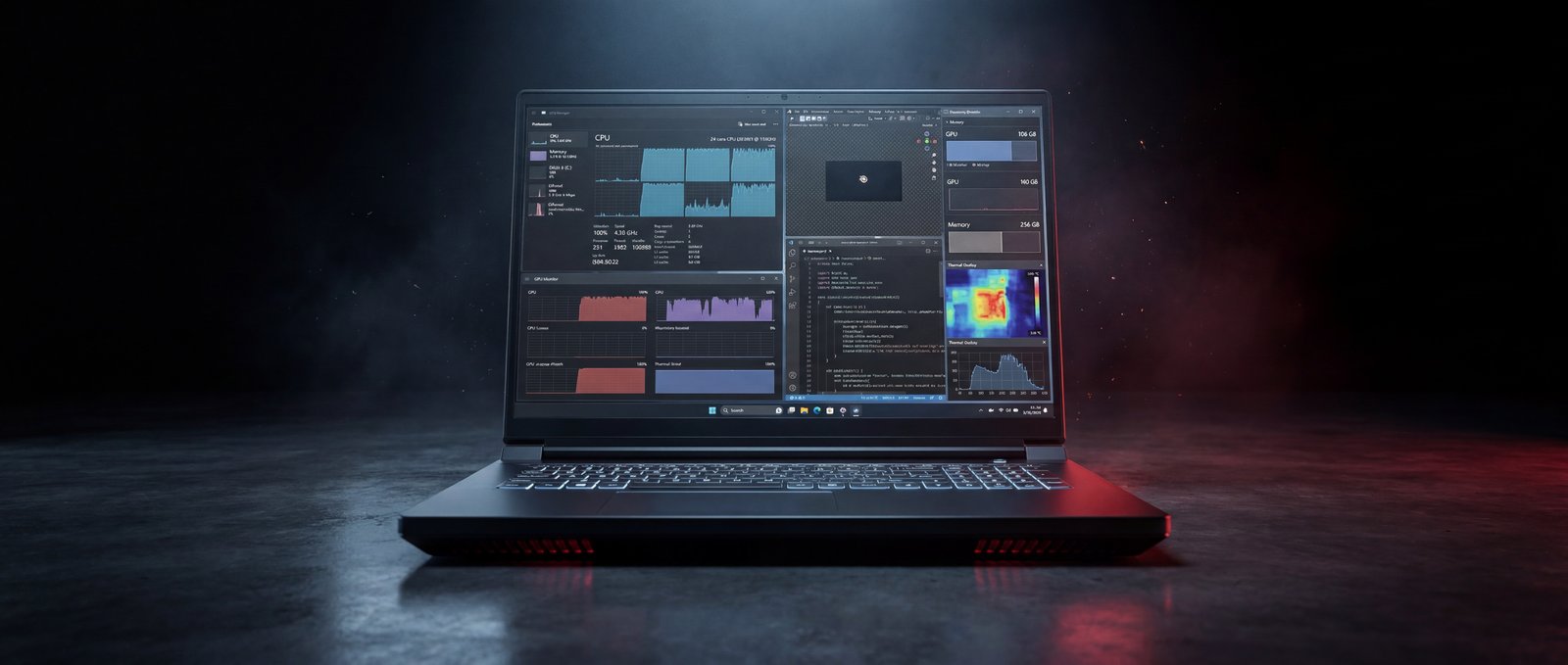
Benchmarks in isolation are noise. A Geekbench score, a Time Spy result, a Blender render time — each one is a fragment of how a machine actually behaves when someone is sitting in front of it at 2 a.m. trying to finish a job. The interesting question is not how fast is the Raptor X18 on a synthetic test, but what happens to the people who use it for work.
So we built the testing around workflows, not numbers. A 3D artist rendering a Blender scene before a client review. An ML engineer running ResNet50 inference on a stack of images instead of paying for a cloud GPU hour. A mechanical engineer rotating a 1,500-part Inventor assembly. A video editor transcoding 4K HEVC for a delivery deadline. A data analyst training XGBoost on a million rows. And — yes — someone closing the work day with a session of ray-traced gaming.
The X18 is one of the few 2026 laptops that genuinely qualifies for all of those jobs on the same chassis. Below is what the test lab measured, in full.
A laptop benchmarks well when the marketing team can use the numbers. A laptop performs well when its owner stops thinking about the laptop. // Eurocom Test Lab · Bench 2
// 01 As-Tested Configuration
Every number that follows came off the unit described below. The X18 platform supports configurations above and below this — up to 256 GB of DDR5, swappable storage, and a choice of CPU and GPU modules — but our review unit represents the build most workstation customers order today.
// 02 Headline Numbers
Three numbers tell the high-level story before we get into the workflows. PassMark Rating 14,945.8 places this configuration in the 97th percentile of every system PassMark has on file — laptop or desktop. The Disk Mark of 93,426 hits the 99th percentile. The 3D Graphics Mark of 35,660 matches the 97th percentile of all video cards, mobile and desktop combined.
None of those are typical mobile workstation numbers. They are typical of a well-specified desktop tower. The Raptor X18's value is that you can carry it.
// 03 3D & Rendering — The Blender Test
The Blender Open Data score is one of the most honest measures of a workstation we have. We ran Blender 5.1.1 with OPTIX on the RTX 5090, and the X18 returned 8,114.76 — among the highest scores ever submitted for a mobile GPU. SPECworkstation 4.0's Blender suite tells a more granular story: Classroom completes in 65.92 seconds for a 4.27× SPEC ratio. BMW27 in 33.41 s. BMW1M in 12.77 s. Island in 30.58 s. Every scene faster than the SPEC reference.
For a Blender artist iterating on a client shot, this compresses the preview-to-render cycle by roughly 4× versus a typical 2024-era workstation. Three iterations a day becomes ten.
// 04 Local AI & Machine Learning
The workload that has changed the most in two years. With 24 GB of GDDR7 on the RTX 5090 Laptop and 256 GB of system memory, the X18 finally lets a serious chunk of ML work happen on the same machine someone carries to a meeting.
SPECworkstation 4.0's AI & Machine Learning vertical returns 2.12. The most interesting result is ONNX inference: ResNet50 INT8 hits 90.04 inferences per second — a SPEC ratio of 46.90, meaning the X18 chews through that workload nearly 47× faster than the SPEC reference platform. SuperResolution INT8 lands at 40.98 inferences/sec, ratio 21.30. Real-time batched inference for a vision pipeline, local fine-tuning of mid-sized transformers, offline LLM workflows in 24 GB of VRAM — none of which required a cloud account.
Every Eurocom laptop is configured to order in Ottawa. Choose the CPU, GPU, memory, storage, and display. Add enterprise warranty and on-site service.
Open Configurator →// 05 CAD, Simulation & Engineering
The SPECworkstation Product Design vertical returns a composite score of 2.27. Open Document on a complex Inventor assembly completes in 4,165 ms. Rebuilds finish in 9,585 ms. Style and material render passes close in 739 ms. For simulation-driven workflows: the Energy vertical returns 1.99, Life Sciences 2.08. Both numbers mean the X18 sits roughly twice as fast as the SPEC reference machine on the workloads they represent — and the SPEC reference is itself a recent desktop workstation.
// 06 Video Transcode & Data Science
SPECworkstation's HandBrake test hammers the GPU with a 4K HEVC pipeline. Encoding 4K H.265 output runs at 144.74 fps; 4K-to-1080p downscaling hits 128.84 fps. For a video editor delivering a half-hour 4K piece, transcoding a final master takes roughly six minutes instead of half an hour.
Data-science workloads: Pandas, Scikit-learn, and XGBoost return SPEC ratios above the reference at 1.18, 1.73, and 1.87 respectively. The composite Data Science vertical score is 1.56. Combined with the 256 GB of memory, the X18 fits a startling amount of training data entirely in RAM — no spill to disk, no swap penalties.
// 07 Gaming & Ray Tracing — The After-Hours Test
A workstation that cannot play a modern AAA game on its own panel is a workstation that gets sold to someone else after a year. The X18 is not that machine. 3DMark Time Spy Extreme returns 10,921 — better than 65% of all submitted results, the majority of which are desktop builds. Port Royal returns 15,183, beating 82% of submissions on the ray-tracing benchmark that has become the de facto standard. Speed Way returns 6,116. At native 2560 × 1600 with ray tracing enabled, current-generation titles run at frame rates that would have required a desktop RTX 4090 a year ago.
// 08 Sustained Performance & Thermals
We ran the 3DMark Steel Nomad stress test for 20 consecutive loops — about an hour of continuous GPU load. The X18 returned a frame-rate stability of 98.8%, with the best loop scoring 5,771 and the worst scoring 5,702. That puts it in a class of mobile machines that genuinely sustain their performance under continuous load rather than throttling after the first ten minutes.
CPU-only stress in Prime95 held the package at 74°C maximum, 47°C average with no thermal throttling logged.
// 09 Verdict
The numbers above are the easy part. The harder question is whether a 4-kilogram laptop with a 780-watt power brick is the right answer for a given person. For a 3D artist, an ML engineer, a CAD user, a video professional, or a researcher who has been quietly resenting their cloud bill — the answer is almost certainly yes. Every workload in this article ran locally, on the same screen the user looks at in a meeting.
What the test bench measured is not a thinner laptop, or a quieter one, or one that lasts longer unplugged. It measured a desktop-class workstation that happens to fit in a backpack — with up to 256 GB of replaceable DDR5 across four SO-DIMM slots and four M.2 NVMe slots (one Gen5, three Gen4) ready for RAID. In 2026, in a market crowded with soldered-down ultraportables, that combination is rare.
Eurocom configures every Raptor X18 to order in Ottawa — the same chassis is available with RTX 5080 or RTX 5090 graphics, with memory and storage tiers scaled to budget. For buyers with privacy or compliance requirements, the webcam, microphone, and wireless module are all physically removable from the chassis — relevant for defense, government, journalism, and high-security enterprise procurement.
- 97th-percentile PassMark Rating overall (14,945) — a system-level score normally seen on desktop towers
- Blender 5.1.1 OPTIX score of 8,114 with SPEC Blender Classroom finishing 4.27× faster than the reference
- ONNX ResNet50 INT8 inference at 90 inf/sec — local AI vision pipelines without a cloud GPU bill
- Samsung 9100 PRO Gen5 storage at 12.3 GB/s read and 12.9 GB/s write — 99th-percentile Disk Mark
- 98.8% sustained performance over a 20-loop Steel Nomad stress test — no meaningful throttling
- User-replaceable DDR5 across four SO-DIMM slots (up to 256 GB), four M.2 NVMe slots (1× Gen5 + 3× Gen4 for RAID), and physically removable webcam, microphone, and wireless module