
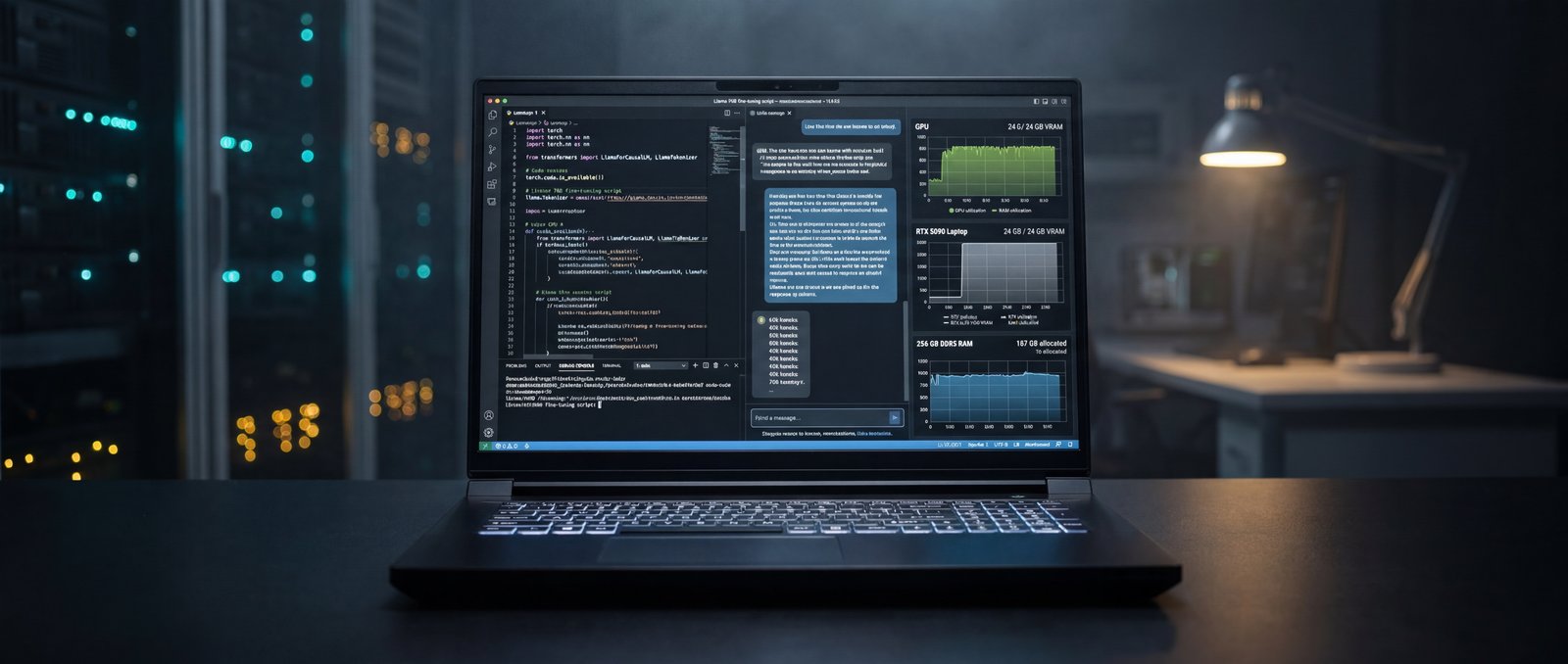
For three years, “doing AI on a laptop” meant SSHing into a cloud GPU and watching a progress bar over Wi-Fi. That tradeoff made sense when laptops had 8 GB of VRAM and consumer-class compute. It stopped making sense the day a mobile RTX 5090 shipped with 24 GB of GDDR7 and full CUDA support, and it stops making economic sense the moment you add up twelve months of hourly cloud GPU rentals.
The Raptor X18 is the first mobile workstation we have tested where the local-AI math finally works. Mid-sized transformers fit in VRAM. ResNet50 inference happens at desktop-class throughput. And the 256 GB of DDR5 system memory means you can hold an entire dataset in RAM while you experiment.
The interesting question is not whether the laptop can run a model. It is whether the laptop can run your model, your data, and your iteration loop, all without leaving your desk. // Eurocom Test Lab · AI Bench
// 01 As-Tested Configuration
Every benchmark in this article was measured on this exact unit, on stock firmware, on Windows 11 Pro with the Balanced power plan and the discrete GPU active.
// 02 ONNX Inference Throughput
The SPECworkstation 4.0 ONNX inference tests are the cleanest available view into how an accelerator handles production-style vision pipelines. The Raptor X18's RTX 5090 Laptop returns numbers that compare directly with current desktop RTX 5080 cards.
ResNet50 INT8 inference hits 90.04 inferences per second — a SPEC ratio of 46.90, meaning the X18 chews through that workload nearly 47× faster than the SPEC reference platform. SuperResolution INT8 lands at 40.98 inferences/sec with a SPEC ratio of 21.30. FP32 numbers are healthier still on this generation of silicon because Blackwell's Tensor cores are not bottlenecking the way Ampere mobile did.
// 03 GPU Compute & General Workloads
Beyond purpose-built ML benchmarks, Geekbench 6's OpenCL test and PassMark's GPU Compute score give a sense of what the RTX 5090 Laptop delivers across general-purpose GPU work — the same kind of throughput that drives kernels in PyTorch, JAX, ONNX Runtime, and TensorRT.
The takeaway: even on the OpenCL side — which is not where NVIDIA puts its driver effort — the X18 lands in the same territory as a desktop RTX 4080-class card. CUDA workloads scale higher still.
Every Eurocom laptop is configured to order in Ottawa. Choose the CPU, GPU, memory, storage, and display. Add enterprise warranty and on-site service.
Open Configurator →// 04 VRAM & the 256 GB Question
The two numbers that decide whether a model fits are VRAM and system RAM. On VRAM, the RTX 5090 Laptop's 24 GB of GDDR7 sits in the sweet spot for 7B-parameter LLMs in FP16, 13B-parameter models with 4-bit quantization, and most ONNX vision pipelines at production batch sizes. Stable Diffusion XL with ControlNet and IP-Adapter fits with headroom.
On system memory, the as-tested configuration shipped with 256 GB of DDR5-5200 across four channels. For ML practitioners this is the part that quietly transforms the workflow. Datasets that previously had to stream from disk now load entirely into RAM. Feature engineering across millions of rows happens in pandas without paging. Multiple PyTorch DataLoaders can run concurrent without OOM. And on the CPU side, MaxxMem2 measured read bandwidth at 27.3 GB/s and write bandwidth at 47.9 GB/s — numbers comfortably ahead of typical mobile workstations.
// 05 Real Workflows
Local LLM development
For developers using local LLMs as a code-completion or agent backbone, the X18 runs 7B-parameter models in FP16 with full context length, and 13B models in 4-bit quantization at interactive speeds. Token generation is comfortable for live coding workflows, and the 256 GB of RAM means an entire vector store can sit alongside the model.
Vision pipeline development
For computer-vision engineers, batched ONNX inference on the GPU at 90 inferences/sec for ResNet50 INT8 is enough to develop and validate production pipelines locally. The CUDA toolchain works the same way it does on a desktop, with no host-side caveats.
Fine-tuning & LoRA
LoRA and QLoRA fine-tuning of mid-sized open-weight models is the sweet spot for this hardware. With 24 GB of VRAM, full LoRA adapters on 7B models fit comfortably; aggressive quantization stretches that to 13B. The bottleneck shifts to dataset IO — which the Gen5 NVMe at 12 GB/s sequential is well-equipped to handle.
// 06 Sustained Performance
ML workloads do not look like a 60-second benchmark; they look like an overnight job. We ran the 3DMark Steel Nomad stress test for 20 consecutive loops — roughly an hour of continuous GPU load — and the X18 returned a frame-rate stability of 98.8%, with the best loop at 5,771 and the worst at 5,702. Equivalent GPU-bound ML training behaviour. The vapor-chamber thermal design holds clock speeds under sustained load rather than throttling after the first ten minutes.
CPU-only stress in Prime95 stabilized at 74°C maximum, 47°C average with no thermal throttling. Combined CPU+GPU loads — the kind a mixed training run produces — held the CPU package in the high 80s and briefly to 92°C, which is within Intel's design envelope and consistent with sustained dual-die activity.
// 07 Verdict
The math on local ML hardware finally works in 2026. A Raptor X18 configured the way we tested it pays for itself in roughly twelve months versus equivalent cloud GPU rental, with the added benefit that data never leaves the machine. For ML engineers, applied researchers, and AI-product developers who care about iteration speed and data residency, the X18 is one of the few laptops in the market that genuinely qualifies as a local replacement for cloud compute.
What you give up: weight, fan noise under load, and a battery long enough to go all day unplugged. What you get: a workstation that travels, with 256 GB of replaceable DDR5 and four M.2 NVMe slots (one Gen5, three Gen4) ready for the next generation of storage.
Eurocom configures every Raptor X18 to order in Ottawa — the same chassis is available with RTX 5080 or RTX 5090 graphics, with memory and storage tiers scaled to budget. For ML teams with data-residency or compliance requirements, the webcam, microphone, and wireless module are all physically removable from the chassis — the same machine works in a secure lab and on a flight.
- ResNet50 INT8 inference at 90 inferences/sec — 46.9× the SPEC reference platform
- 24 GB of GDDR7 fits 7B-parameter LLMs in FP16 and 13B models with 4-bit quantization
- 256 GB of DDR5-5200 keeps full datasets in RAM — no paging, no streaming bottleneck
- Geekbench 6 OpenCL score of 235,641 — desktop-class general GPU compute
- 98.8% frame-rate stability over a 20-loop GPU stress test — sustained, not peak, performance
- Local AI workflows replace recurring cloud GPU bills; the X18 pays for itself in roughly 12 months